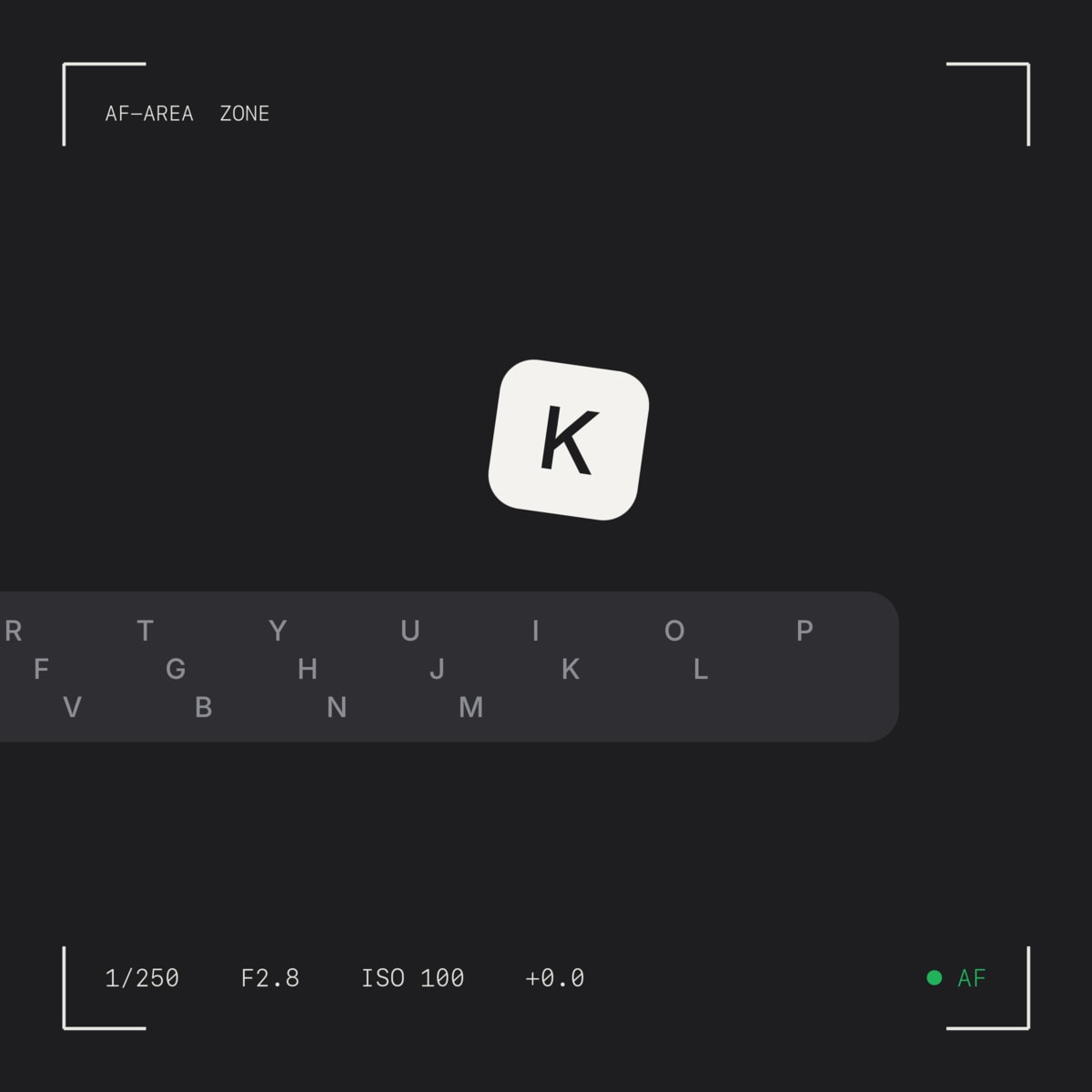
Klavette is an iOS keyboard I designed and built on my own this year. This post is about what I cared about while making it. What it actually does is at the end.
How it feels under a thumb
A keyboard is touched thousands of times a day, so how it feels matters more than how it looks.
Fits in, doesn't shout
It looks like the iOS keyboard: glass, grey, light and dark. The colour comes from whatever you're typing into.
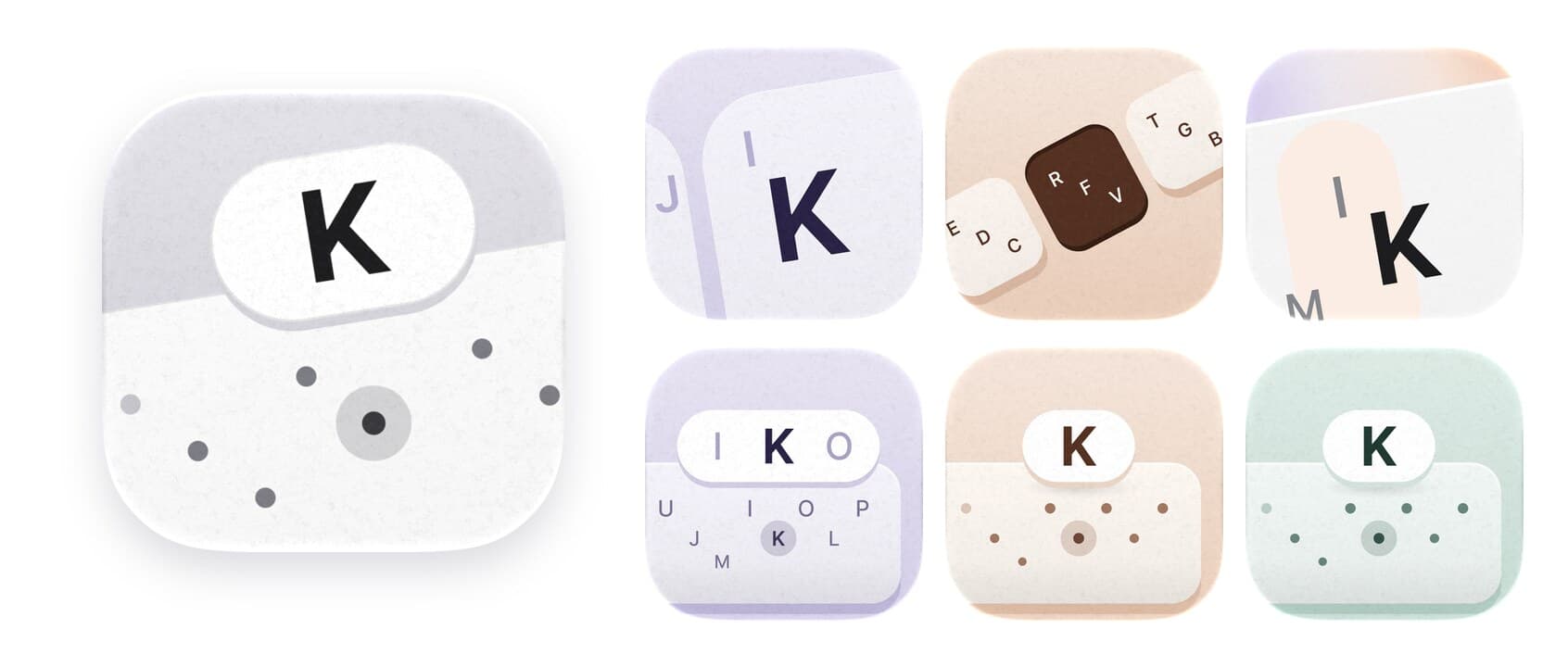
The icon
Thirteen rounds in one afternoon, from a single key to the loupe the keyboard uses when you hold a letter.
The site
I designed and built klavette.app too. The page stays grey, so the only colour comes from the keyboard clips.
Room for play
Where it can't get in the way of typing, it's allowed to be fun.
How I built it
- On my own, February to October. 1,349 commits, with Cursor, Codex and Claude Code alongside.
- Decisions written down. Every call is a dated entry with the reason and what I turned down, so neither I nor an agent reopens something already settled.
- Measured, not guessed. Accuracy is judged on first-try words from real typing. Most ideas that sounded good were measured and then dropped.
- Private by default. Typing stats stay on the phone. No ads, no tracking, no third-party SDKs.
About Klavette
Klavette is an iPhone and iPad keyboard for people who type with one thumb and don't hit exact keys. There are ten keys, and each one is a whole column of QWERTY, so there's nothing small to aim at. You tap roughly, and the suggestion bar works out the word you meant.
The full keyboard is one swipe away, and it learns your words, your friends' names and your details.
Short lessons teach each gesture on the real keyboard, and there's a typing test when you want to see how fast you've got.
It's on the App Store, and the site is klavette.app.
Thanks for reading!